HOW IT WORKS
The authentication policy lives with the secret, not in the app.
macOS has two Keychain implementations: the legacy file-based Keychain and the newer Data Protection Keychain. They use different access-control models, as Apple explains in On Mac keychain APIs and implementations.
The legacy file-based Keychain can be accessed through the security command or Apple’s Keychain APIs. Depending on the item’s access settings and whether the Keychain is unlocked, a read may require a password or proceed without a prompt. This implementation does not support attaching a Touch ID requirement to an item.
Several tools add a Touch ID check to this workflow as an application-level gate. When storing a secret, they can configure its access control list (ACL) to trust their executable. This allows subsequent reads without an additional Keychain prompt while the Keychain is unlocked. Before reading the value, they use LocalAuthentication to request Touch ID. The biometric check is enforced by application code; the Keychain authorizes the executable rather than requiring Touch ID for the item itself.
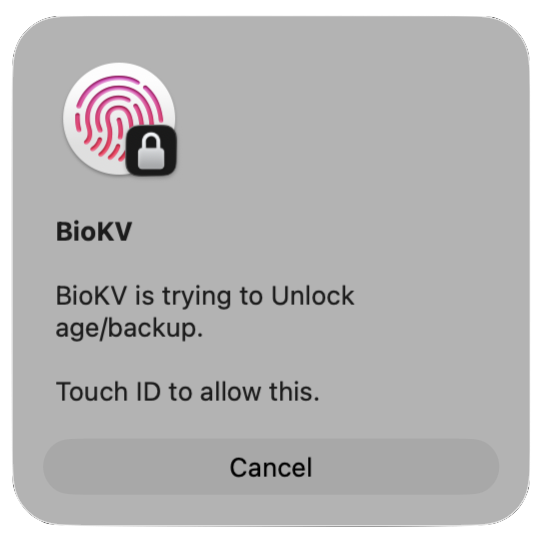
Unlike the legacy implementation, the Data Protection Keychain allows a SecAccessControl policy to be attached to an item when it is stored. Keychain Services enforces that policy before releasing the value. Authentication is part of retrieving the secret itself.
Integrating with the Data Protection Keychain involves additional requirements: a signed Keychain access-group entitlement, which Apple must authorize through a provisioning profile. Creating that profile requires a Developer ID Application certificate, which in turn requires a paid Apple Developer Program membership.
BioKV handles this setup, making Keychain-enforced authentication available from your terminal.